Logo

Help Center

Submit a request Sign in
What can we help you with?
  1. TechSmart Inc.
  2. Using our Teaching Platform
  3. Gradebook

Downloading the Gradebook

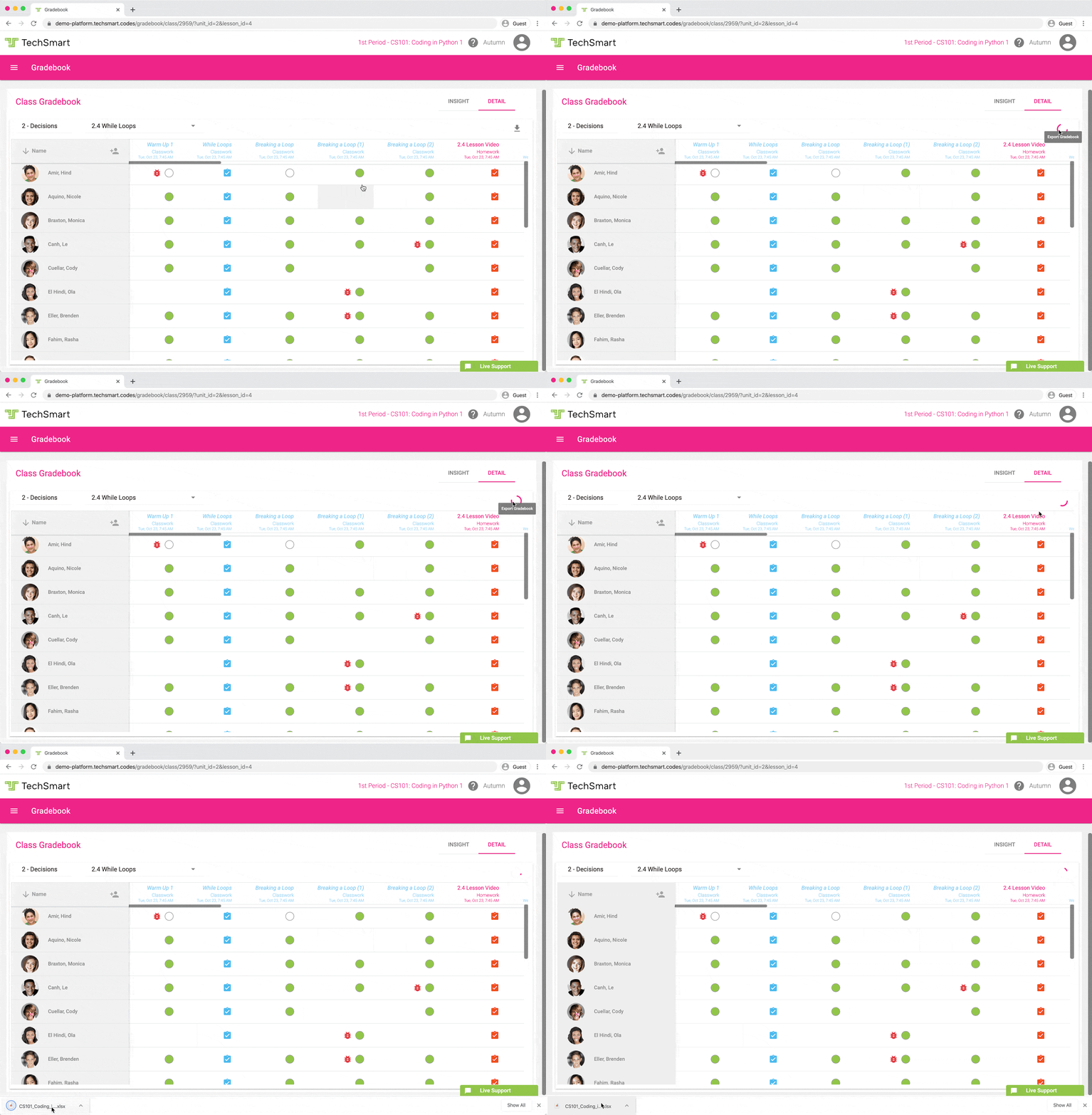
1. To download the gradebook, go to Gradebook.

2. Under "DETAIL", click the download button to download the gradebook. 
ezgif.com-gif-maker__2_.gif

Articles in this section

  • Downloading the Gradebook
  • Resetting an Assignment
  • Temporarily edit student coding assignments
  • Gradebook Student Info Dialog
  • Gradebook Icons Overview
  • Viewing Student Assignments
  • Using the Gradebook's Green Circle indicators to evaluate student work
  • Viewing Students’ End of Assignment Survey Results

Can't find what you're looking for?

Please reach out, we're here to help!

Submit a request

© TechSmart Inc.